Issue:
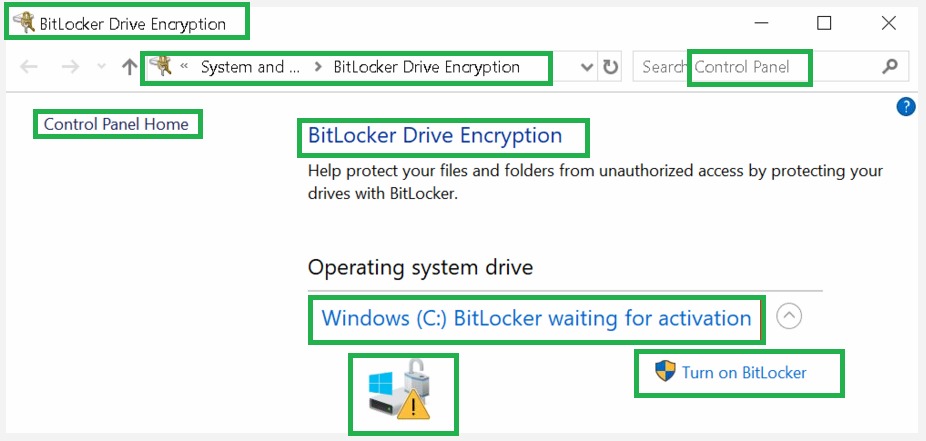
When trying to encrypt a storage drive such as C-drive, it fails and in the Control Panel>>>Bitlocker Drive Encryption, the drive has a lock on it, a warning/amber colored icon and a label indicating “Bitlocker waiting for activation”. Also when you run manage-bde -status, Converstion Status is Fully Encrypted, Percentage Encrypted is 100%, Protection Status is Protection Off and Key Protectors is None Found.
Cause:
Bitlocker is suspended because either the computer does not have a Key Protector or TPM or it has TPM but the computer is having issues with finding it.
Solution:
Decrypt the drive using the CMD script; manage-bde c: -off. Check the progress using manage-bde -status or via Control Panel>>>Bitlocker Drive Encryption. This may take some time to complete depending on the used disk space or drive size.
Once the decryption process has completed, you can now encrypt the drive without issues.